Tracer 1.3.0 Launches With Official iPad Support and New Zoom Controls
Tracer 1.3.0 is now available on the App Store, bringing one of the biggest updates yet to the drawing and image tracing experience. This update officially introduces full iPad support alongside a brand-new zoom control system featuring 0.5x, 2x, and 3x zoom capabilities. Designed for artists, beginners, tattoo designers, sketch enthusiasts, and anyone learning how to draw, Tracer continues to evolve into a more flexible and powerful tracing companion for both iPhone and iPad users.
TRACERAPP UPDATEDRAWING
5/30/20262 min read
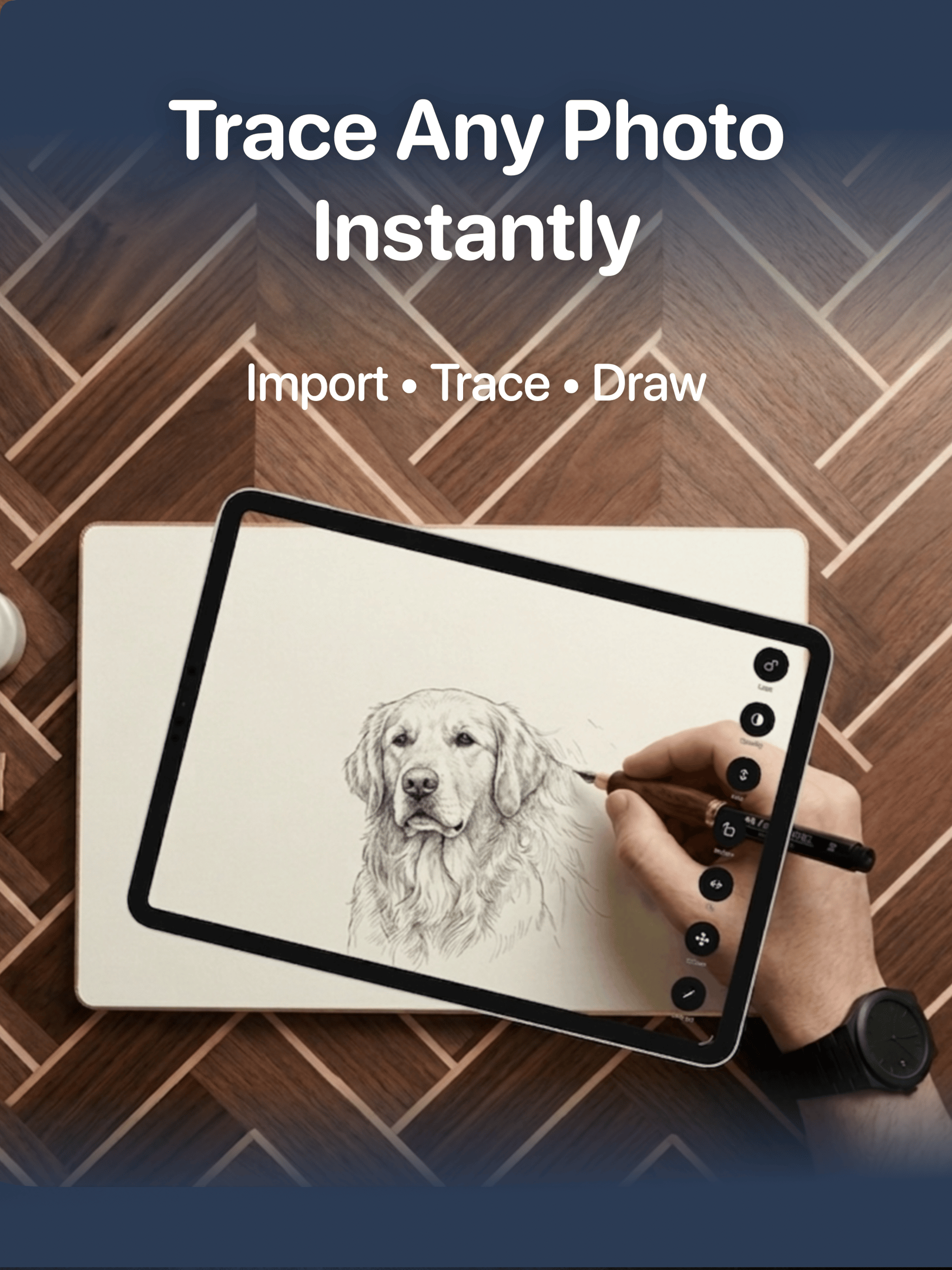
Official iPad Support Is Here
With Tracer 1.3.0, users can now fully enjoy the app on iPad with an interface optimized for larger screens and creative workflows.
The bigger display gives artists more room to trace photos, practice proportions, and work comfortably on detailed drawings. Whether you are sketching portraits, tracing anime references, practicing realism, or creating outlines for digital art, the iPad experience makes the process significantly smoother.
The update also improves overall workspace visibility, making Tracer even more useful for long drawing sessions and detailed artwork.
New Zoom Controls: 0.5x, 2x, and 3x
Tracer 1.3.0 introduces a new zoom control panel that gives users more flexibility depending on their drawing setup and environment.
0.5x Ultra Wide Zoom
The new 0.5x zoom option allows users to zoom out further using ultra wide camera support. This helps fit larger drawings and references into view more easily, especially when tracing on bigger surfaces.
2x and 3x Zoom
The new 2x and 3x zoom modes make it easier to focus on fine details and smaller sections of an image. This is especially useful for detailed portraits, line art, eyes, hands, lettering, and precision tracing work.
These zoom controls create a more adaptable drawing experience for artists of all skill levels.
A Better Drawing and Tracing Experience
Tracer helps users draw real images by using their device screen as a visual reference tool. The app is designed to simplify the learning process for beginners while also helping experienced artists save time during sketching and outlining.
With the addition of iPad support and advanced zoom capabilities, Tracer 1.3.0 delivers a more complete creative experience for mobile artists.
What’s New in Tracer 1.3.0
Official iPad support
New zoom control panel
0.5x ultra wide zoom support
2x and 3x zoom modes
Improved drawing workflow
Better tracing flexibility for detailed artwork
General improvements and optimizations
Download Tracer on the App Store
Tracer 1.3.0 is available now on the App Store for iPhone and iPad.
If you are looking for a drawing app for tracing photos, learning how to draw, practicing sketches, or improving your art workflow, Tracer offers a simple and intuitive experience designed for creators.
Download Tracer today and start turning real images into drawings with your iPhone or iPad.